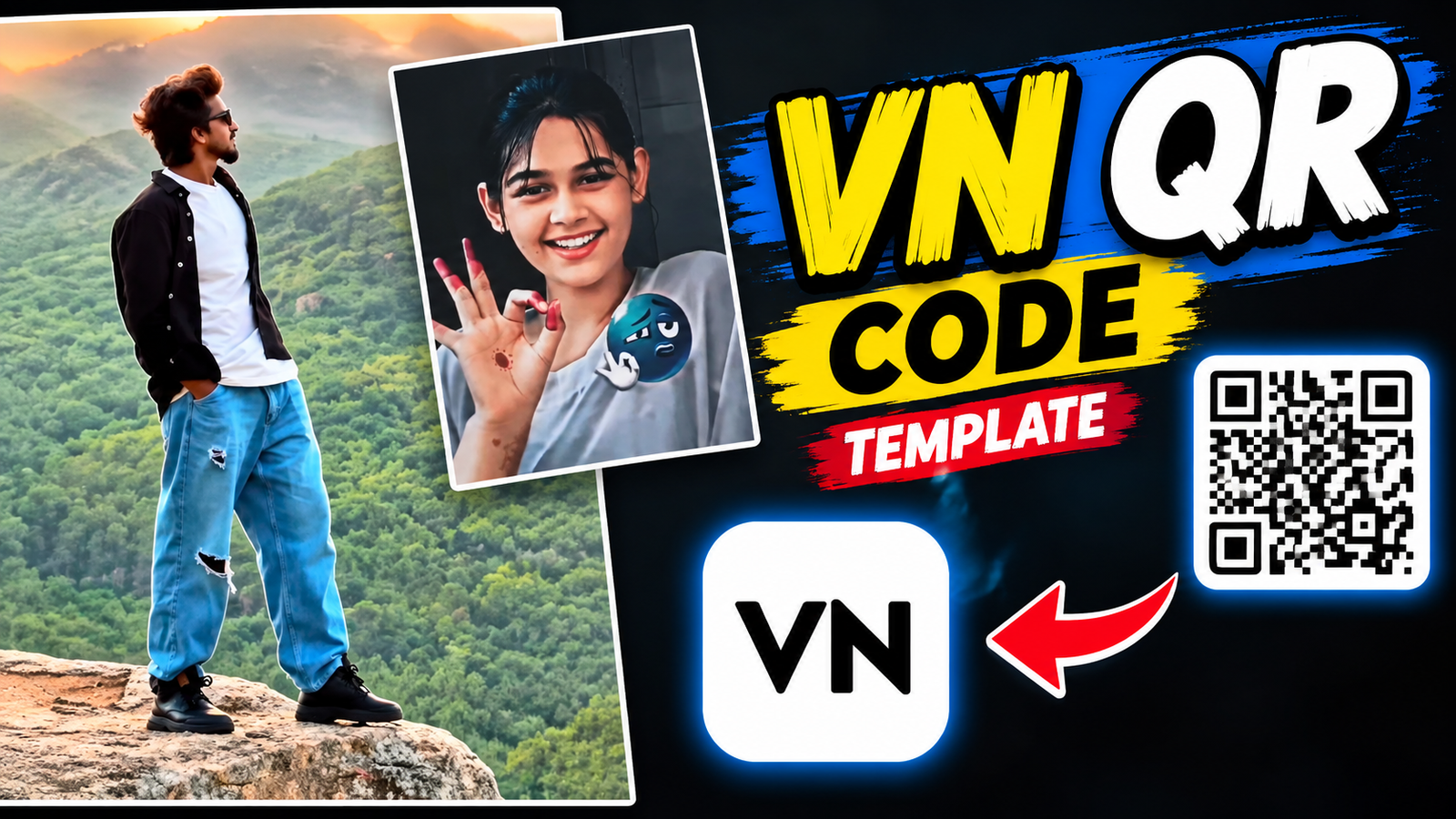
When you see a smooth and professionally edited video on Instagram Reels or YouTube Shorts, you often wonder how much time and editing skill it took to create. The big secret behind today’s viral trends, especially car transition videos, is VN Codes. If you want to turn your photos into a viral video without any hassle, this guide on VN Codes and the VN app is just for you.
What is the VN Video Editor App?
VN, also known as Vlog Now, is one of the best and most popular apps for video editing on mobile devices. It’s a boon for both beginners and professional video editors because it offers advanced, PC-level tools completely free of charge. Whether you want to color grade your footage, sync transitions to music beats, or use keyframe animations, the VN app makes everything easy.
What are VN Codes and How Do They Work?
To make editing even simpler, VN Video Editor introduced a fantastic feature called VN Code. In essence, it is a special type of QR code. When a creator makes a great video editing project—complete with audio, transition effects, and beat syncing—they can convert it into a VN Code using the app. You simply scan the QR code, and the entire editing setup loads directly into your VN app.
Recognizing VN Codes:
VN Codes feature a specific logo or icon that appears within the VN app’s interface and on the QR codes shared across social media. When looking for viral video templates on websites or Telegram channels, you can easily identify them by this VN Code logo, confirming they belong to a specific template.
How to Use VN Codes in the VN App: Step-by-Step
- Download the VN App: First, install VN Video Editor from your phone’s App Store or Play Store.
- Find a VN Code: Save the VN QR code screenshot for the desired template from Telegram, Instagram, or a third-party website to your gallery.
- Open the VN App and Scan: Open the app and tap the ‘Scan’ option located at the top of the interface.
- Select the Code from your Gallery: Choose the screenshot containing the QR code from your gallery. The VN app will immediately detect it.
- Load the Template and Your Clips: Tap ‘Use Template’ and select the photos or video clips you want to include in your video. The clips will adjust according to the template.
- Export the Video: After previewing the result, export your video in high resolution and share it on your social media platforms.
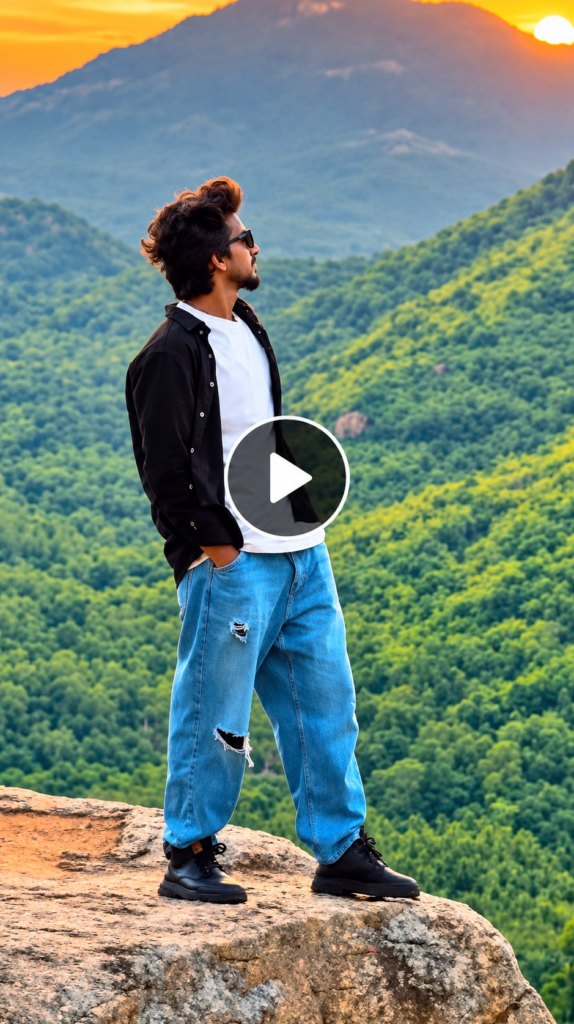

Pro Tips for Viral Videos
- Always use well-lit, clear photos, as the video’s impact heavily depends on the quality of the image.
- The template automatically syncs your photos to the music beat, making the video look incredibly smooth and professional.
Conclusion
Utilizing templates and VN Codes is the smartest way to make your mark in the digital world. It not only saves you time but also gives you a professional editing experience without the steep learning curve. Scan a code in the VN app today and start creating your own viral videos to engage your audience!