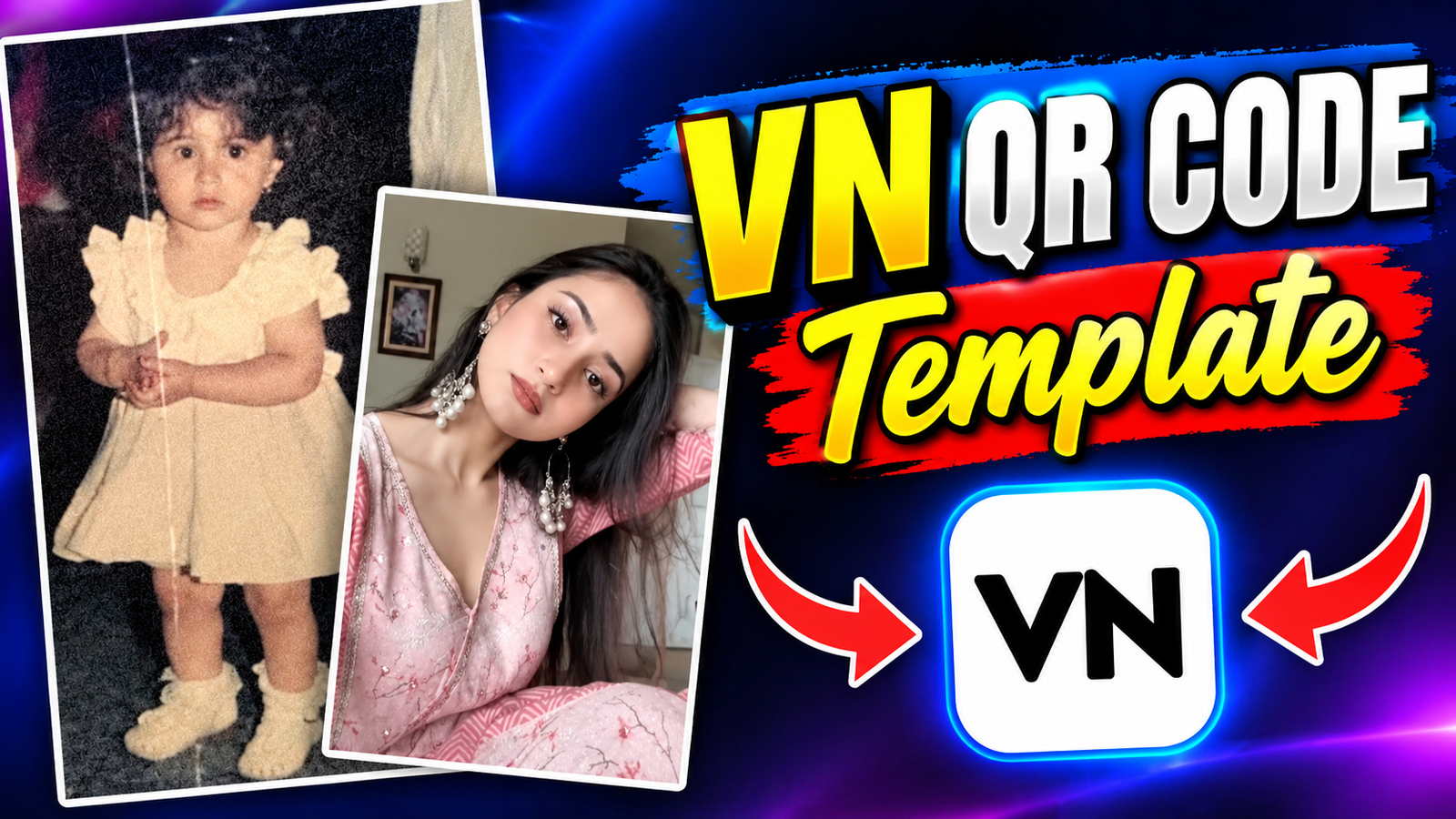
Creating high-quality videos for social media used to require hours of manual trimming, syncing, and effect settings. With the introduction of VN QR Codes in the VN Video Editor app, video editing has become much faster and accessible to creators of all skill levels, allowing you to transform static photos into dynamic videos effortlessly.
What is a VN QR Code?
A VN QR Code is a scannable code containing pre-configured video editing templates, including keyframes, filters, transitions, text overlays, and audio timing settings created by experienced editors. Scanning a code imports all pre-built elements directly into your project.
Benefits of Using VN QR Codes
- Time Efficiency: Reduces hours of manual editing to a few simple taps.
- Professional Quality: Gives videos a polished, viral-ready look without needing advanced technical knowledge.
- Customization: Allows complete control over imported templates—clip duration, text, and music can be adjusted after importing.
- Consistency: Maintains a unified visual theme across multiple social media posts or brand campaigns.
Step-by-Step Guide: How to Use VN QR Codes
- Find a VN QR Code Locate a VN QR Code on platforms like Instagram, Pinterest, YouTube, or dedicated editing websites. Save the QR code image to your phone’s photo library.
- Open the VN Video Editor App Launch the VN app on your Android or iOS device.
- Scan the Code Tap the Three Dots icon or the Scan icon located at the top-right corner of the home screen. Select the saved QR code image from your gallery.
- Import the Template Once scanned, a preview screen showing the template details, transition style, and required number of clips will appear. Tap Use Template or Download.
- Replace Placeholders Select your photos or video clips from your gallery to replace the template’s placeholder media.
- Fine-Tune and Export Adjust timing, modify text, or tweak filters if necessary. Preview the final video and tap Export in high resolution.

Tips for Best Results
- Match the lighting and style of your media with the mood of the selected template.
- Ensure your video clips are shot in high definition before importing.
- Verify that audio sync points match the keyframes after replacing placeholder clips.
Conclusion
VN QR Codes streamline complex editing workflows into a straightforward import-and-replace process, enabling creators to produce professional-grade videos efficiently.
Would you like some ideas on where to find the best trending templates?