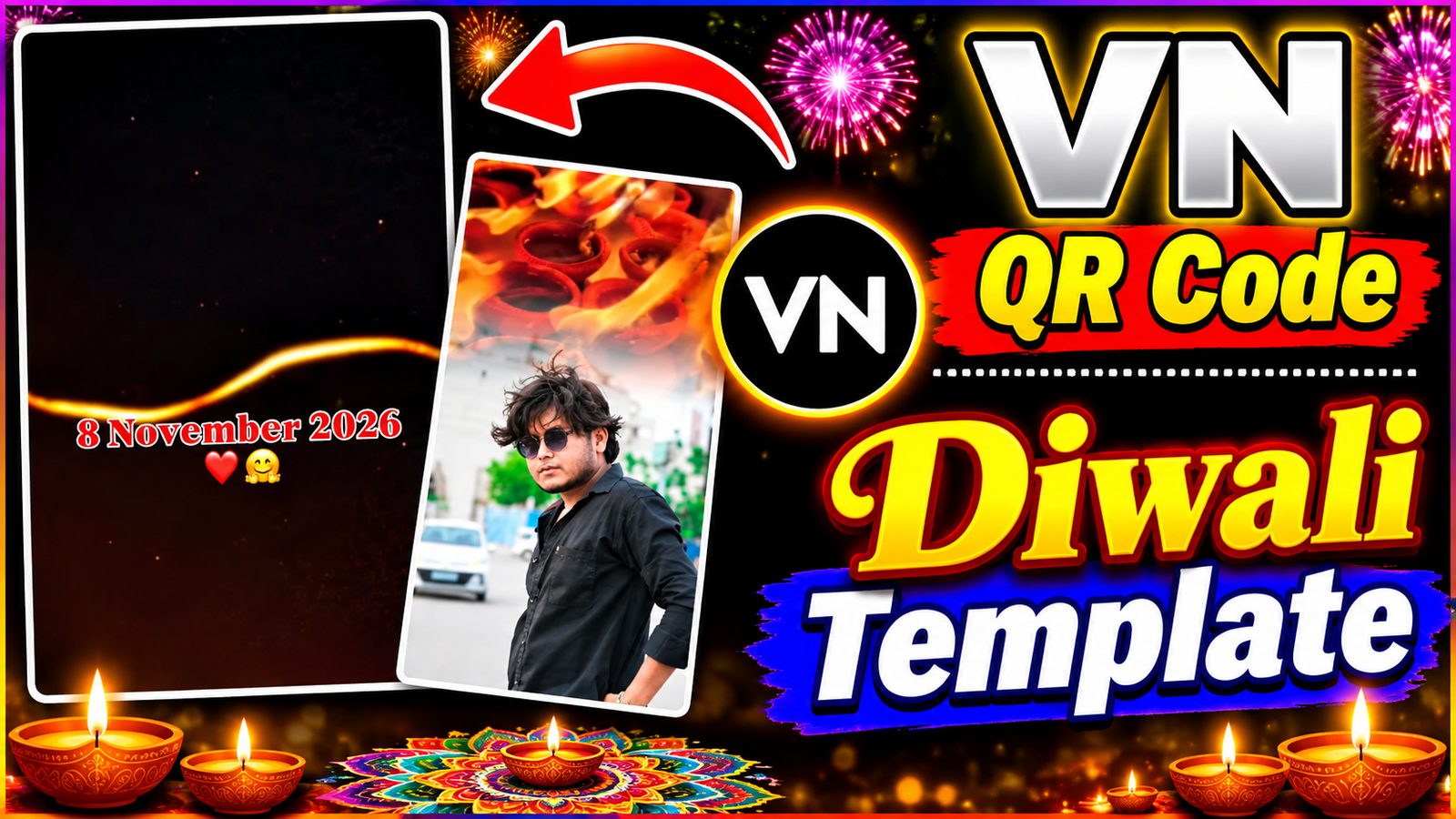
Diwali is the festival of lights, joy, and togetherness. In the digital age, sharing this festive spirit through captivating short-form videos is essential for creators looking to grow their audience. Recently, holiday transition videos combining serene personal portraits with explosive firework displays and glowing diyas have taken social media by storm. Creating these high-energy, emotionally resonant videos doesn’t require professional filmmaking skills; with VN Video Editor templates, anyone can produce broadcast-quality content in minutes.
What is VN Video Editor and How Do Templates Work
VN Video Editor is a powerful yet accessible mobile editing application favored by creators for its precision and ease of use. The platform’s template feature allows users to apply pre-designed visual effects, transitions, and beat-syncing to their own media. By utilizing a trending Diwali template, the complex editing—such as timing the appearance of fireworks or color-grading a portrait to match a festive glow—is automated, allowing your content to look effortlessly polished.
Step-by-Step Guide: Creating Your Viral Diwali Edit
- Source Your Base Media: Select a clear, high-resolution photo or short video clip of yourself or your subject dressed in traditional ethnic attire, ensuring good lighting against a scenic backdrop.
- Apply the VN Template via QR Code: To apply this VN template, start by taking a clear screenshot of the QR code shown in the video. Next, open the VN Editor app on your phone. Navigate to the template section, usually found by tapping the plus icon or looking for a dedicated tab, and scan the screenshot to load the project.
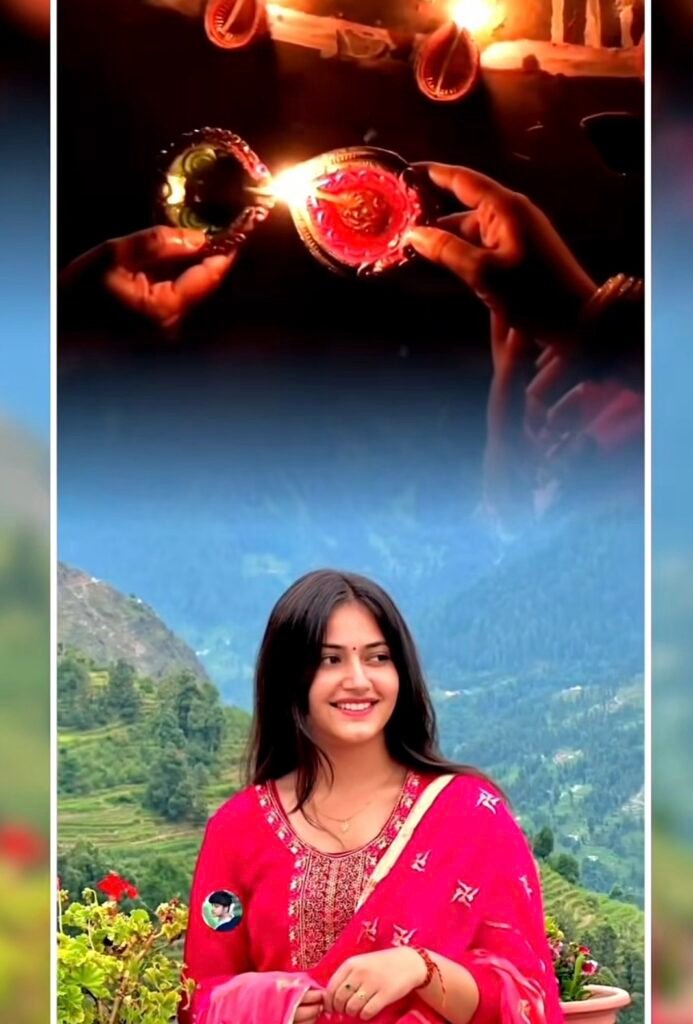
- Import and Align: Select the template and import your chosen photo. The template will automatically map your image to the pre-set timeline, integrating the transition from a serene daytime shot to a vibrant night filled with celebrations.
- Export in High Definition: Review the synchronization of the effects and export the video in 1080p or 4K resolution to maintain visual clarity for platform algorithms.

Why Use VN Templates and How They Save You Time
Creating complex visual transitions manually involves tedious masking, keyframing, and color adjustments. VN templates eliminate this learning curve, saving hours of production time. For bloggers and creators, this efficiency means you can consistently publish timely, trending content without sacrificing quality, keeping your website or social media feed active and relevant during peak festive seasons.
Maximizing Audience Engagement and Reach
Videos that seamlessly blend personal connection with spectacular visual effects naturally drive higher viewer retention. Audiences are more likely to share, save, and comment on content that evokes the warmth and excitement of Diwali. By pairing your VN-edited video with trending festive audio, you significantly increase your chances of triggering algorithm boosts and expanding your reach.
Conclusion
Consistency and quality are the cornerstones of getting your creator platform recognized and approved. By leveraging intuitive tools like VN Video Editor templates, and utilizing QR codes for seamless template access, you bridge the gap between amateur concepts and professional execution. Embrace the power of automated editing to deliver stunning Diwali visuals that captivate your audience and establish your authority in the digital content space.